BI Smart Repository : The new features of version 5.0
Florian POSTEL
10 April 2024
Subscribe to our newsletter and stay informed about our latest blog posts, upcoming webinars, and news:
The RapidViews platform continues to evolve, with a large number of new features in version 5.0! As a reminder, the RapidViews platform is designed to help you accelerate, centralize and master your SAP Analytics projects.
Global application
Multi-version repository for clients
Clients now have the ability to import multiple versions for their objects
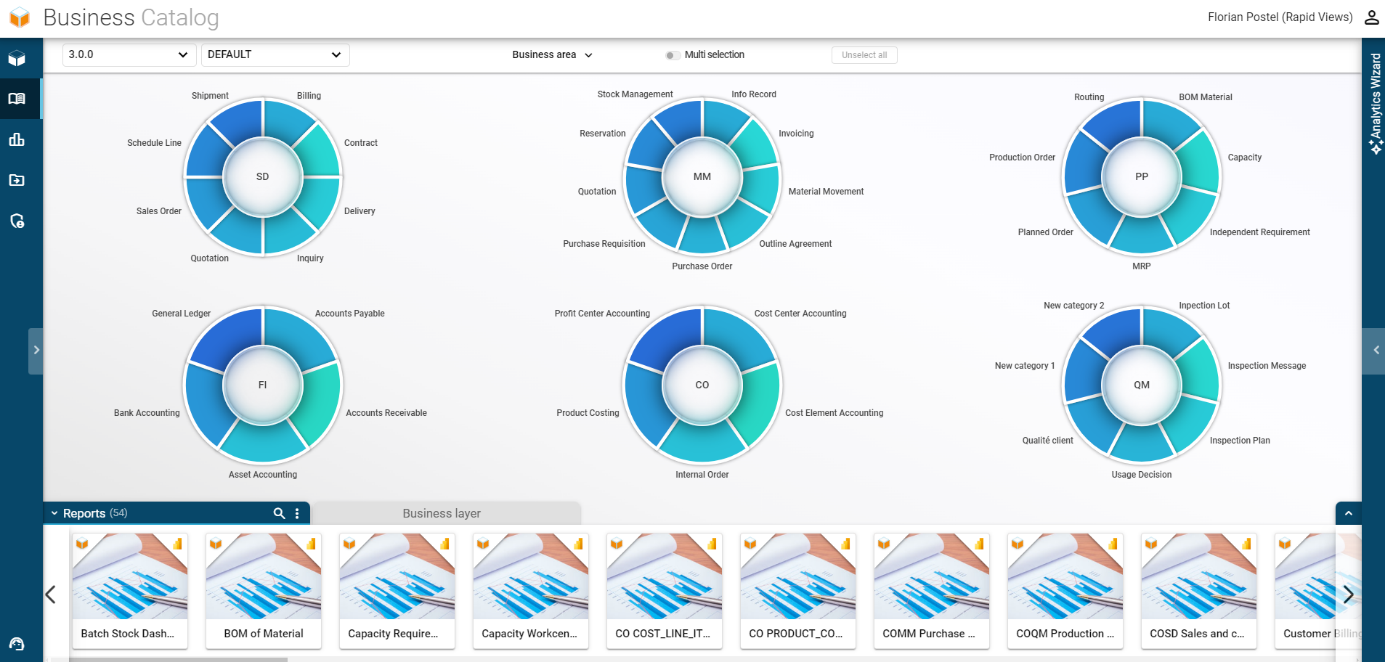
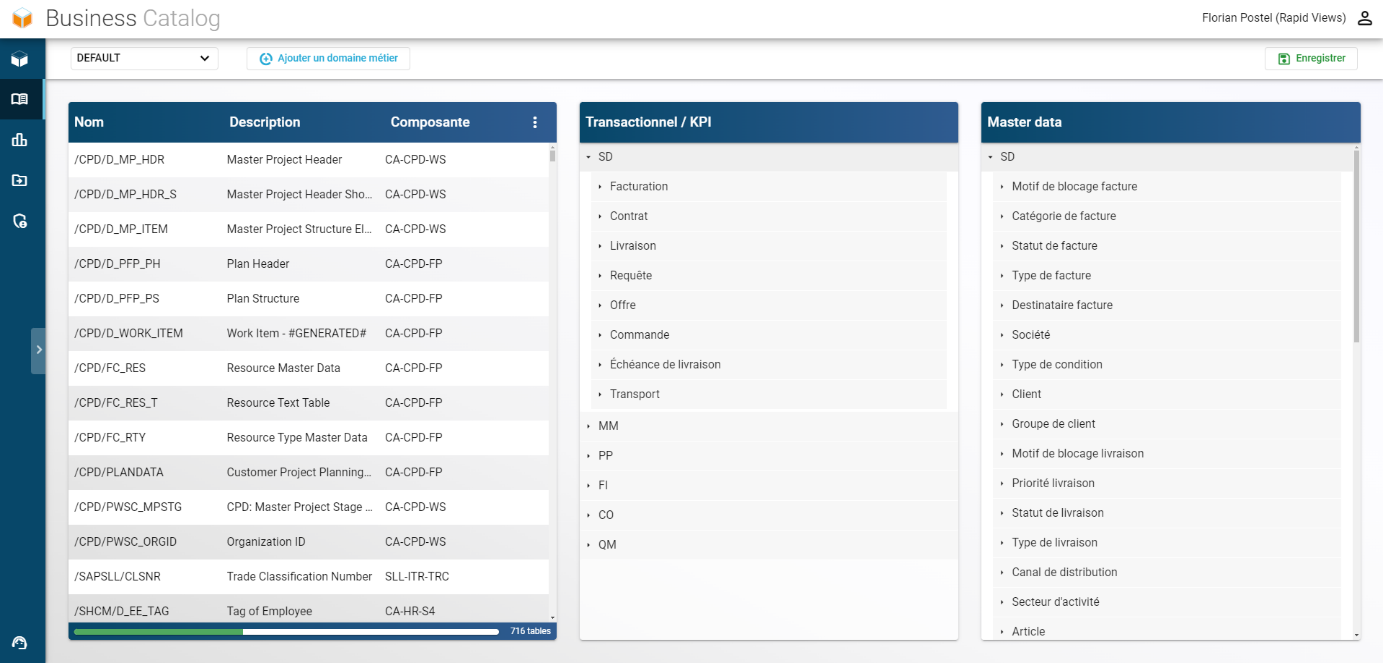
Business Catalog
Client Processes customization, now called Business Areas
Business Areas Overview reworked design
Administration reworked design
Wizard
Algorithm improvement and optimization
Managing non-SAP sources in Wizard calculations
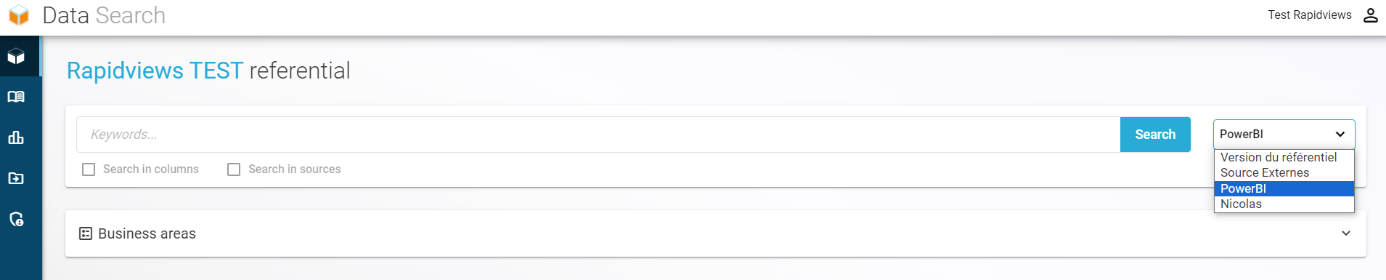
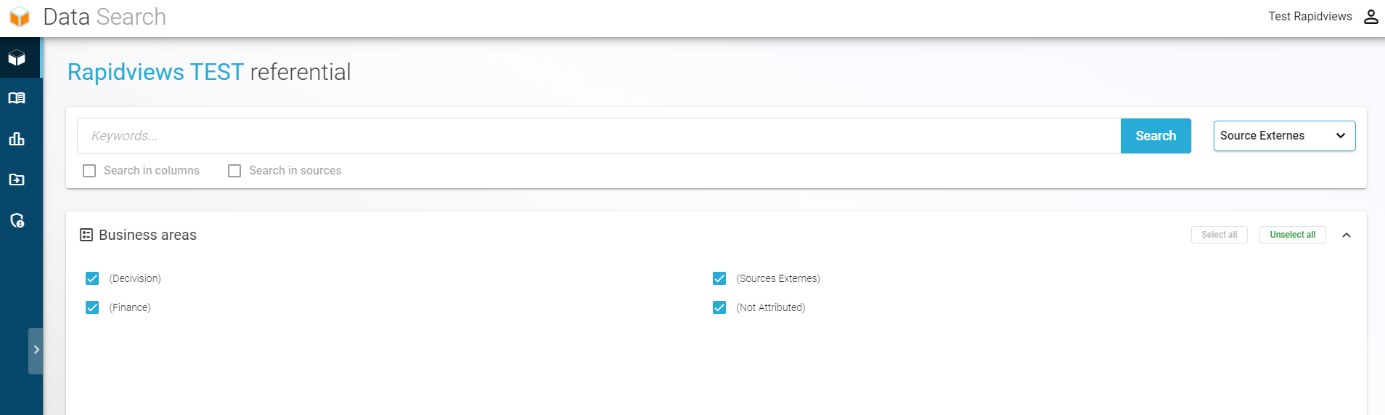
Data Search
Global rework of SAP modules to match with clients customizable Business Areas managed in Business Catalog administration
Search algorithm enhancement to use these customizable business areas
Connectors
WEBI and PowerBI Connectors – Import / Generation of non-SAP Sources (ACCESS, SQL, Files…)
It’s now parsed and imported into the repository
Lineage between report, universe / dataset, and their sources is automatically calculated
You will find these sources in the Tables stage of Data Search
Import of UNV-type universes
Formula parsing improvement to enhance Lineage
Minority Extractor
Export of WEBI Reports and BO Universes with non-SAP sources
Export of UNV-type BO Universes
Adding SAP ABAP Connection to export CDS objects
This connection will soon be used to export other types of objects (BW, AFO Reports…)